Polished app demos
and screen recordings
in minutes
Try2.0Beta
Record the iOS simulator, a live device, or any app window. Edit it like a pro, add device frames, animations, and captions, then share it with the world.
Free forever with watermark·No account required·macOS 15+
Matte 2.0 brings full 3D support
Put your device in a real 3D scene, animate the camera, and render it with depth of field and motion blur.
Using @matte_app made creating these App Store screenshots so much easier. Highly recommend Matte.
Matte has saved me 290490234092349032243242342342342423423 hours. Go buy it.
I recorded my desktop screen with Matte and the result is truly incredible.
Can't believe I'll be able to create video with such professional details. Thank you so much for creating Matte.
As always, the video is made by @matte_app and the app is @trykelo. The best possible combo.
All my videos are always done with Matte. Best tool ever.
If you find the right tool you'll love your work. I created at least 10 videos with different formats.
My personal favorites that I'm actually using: Umbra, Astro, Matte, CleanShot, Reflect, and Type.
My productivity is 72.4% up since I bought Matte. Now I can just forget about perfecting bezels by hand.
Matte has become one of my most-used apps for marketing an app. Any app screenshot goes through it.
Beautiful video made with #Matte by @josesaezmerino.
Built for developers who care.
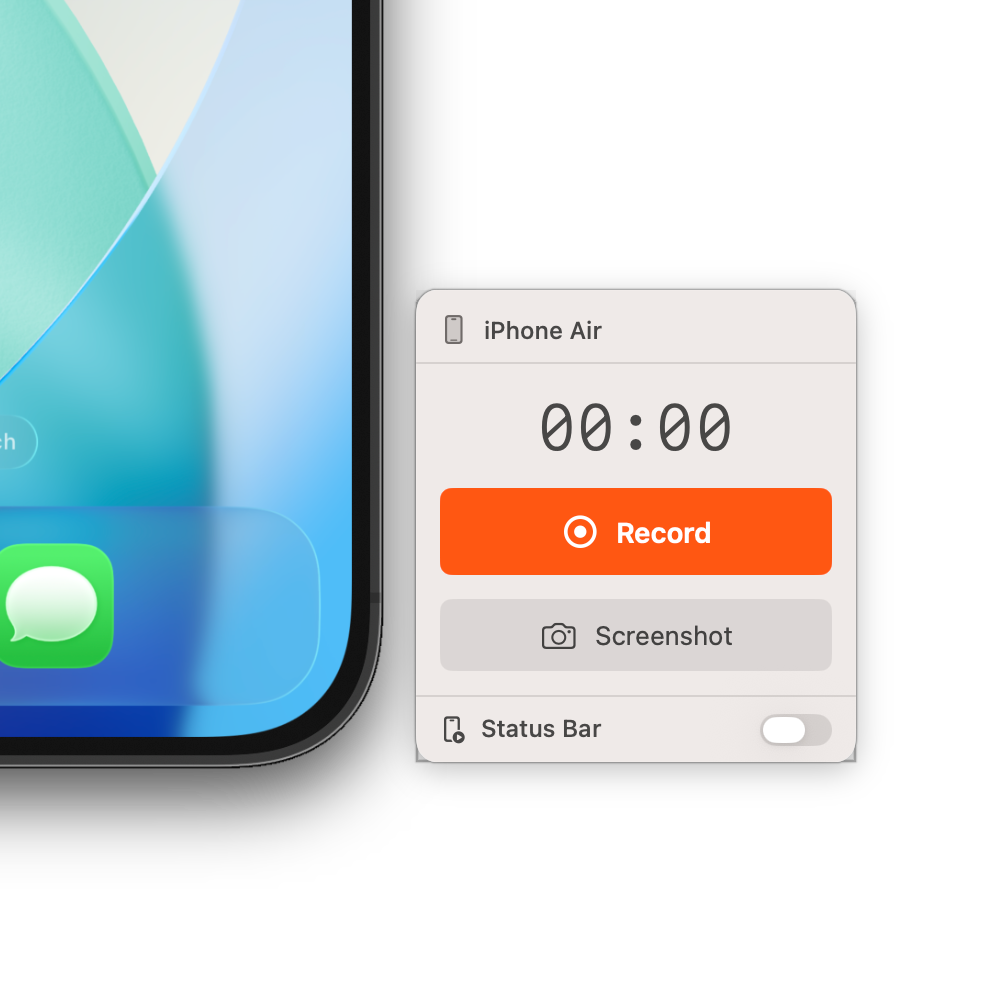
Simulator Recording
Record directly from the iOS simulator with cursor capture.
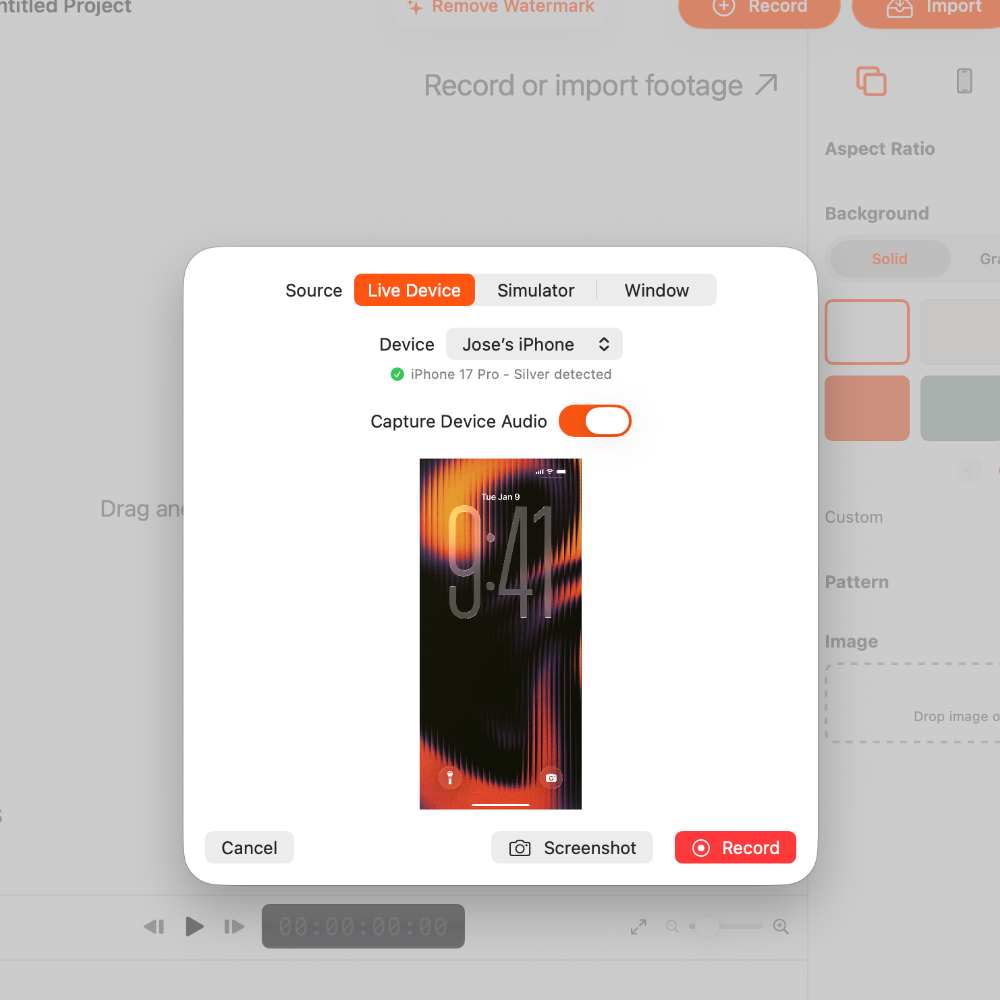
Live Device Capture
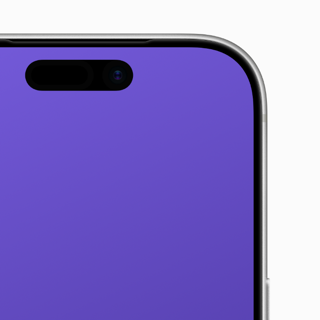
Connect your iPhone or iPad to record real hardware—Face ID, Dynamic Island and all.
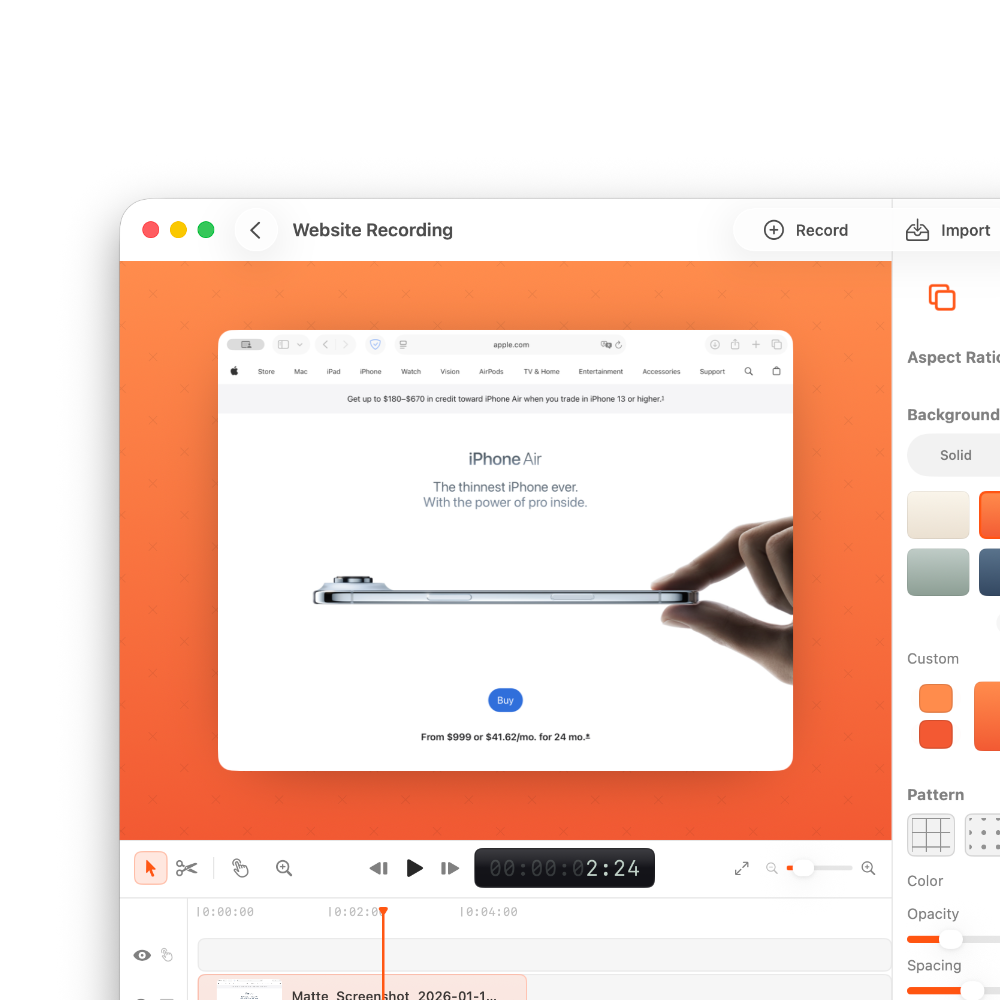
Screen & Window Recording
Record your full screen or any macOS window with full alpha support.
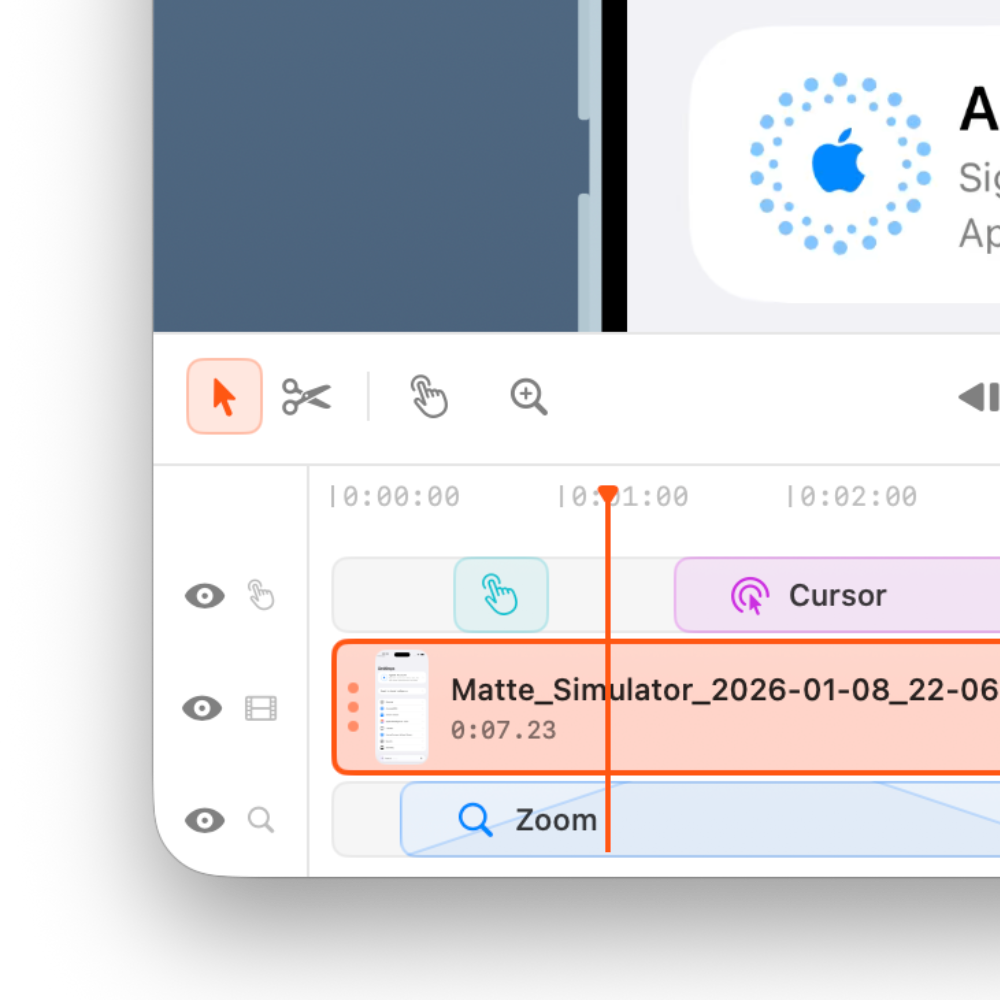
Timeline Editor
Trim, split, and stack up to 4 video tracks—or let Auto Zoom do the camera work.
Device Frames
Realistic bezels for iPhone, iPad, Mac, and Apple Watch—plus shadows and backgrounds.
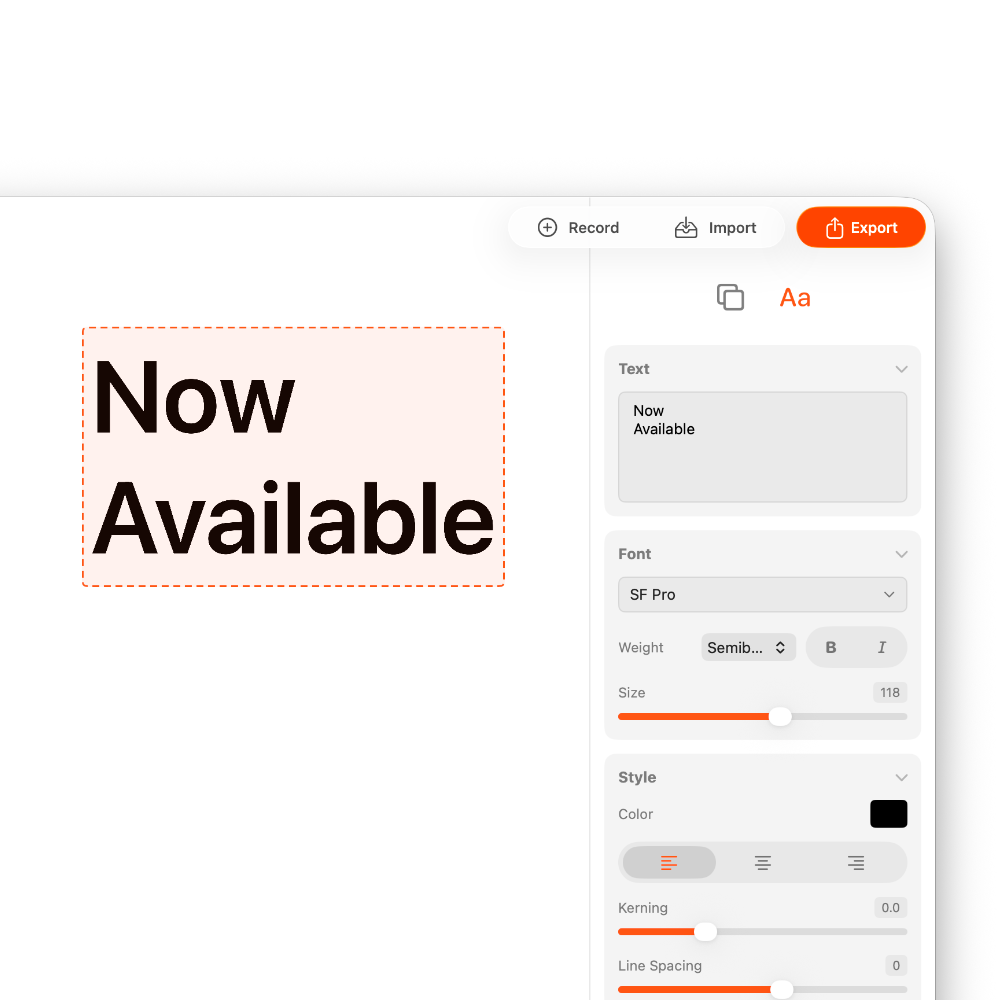
Text Overlays
Up to 5 tracks of animated text, with resizable boxes that reflow as you type.
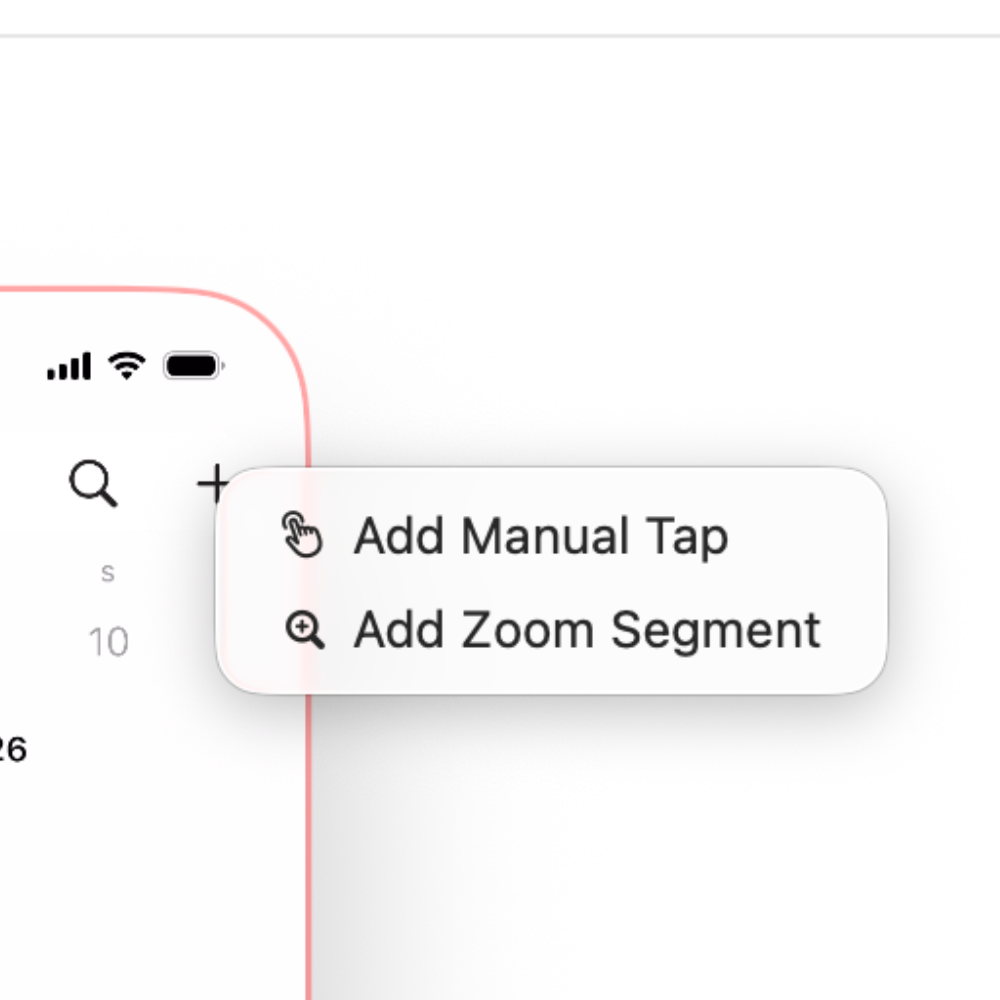
Taps & Swipes
No cursor data? Add tap and swipe indicators exactly where the action happens.
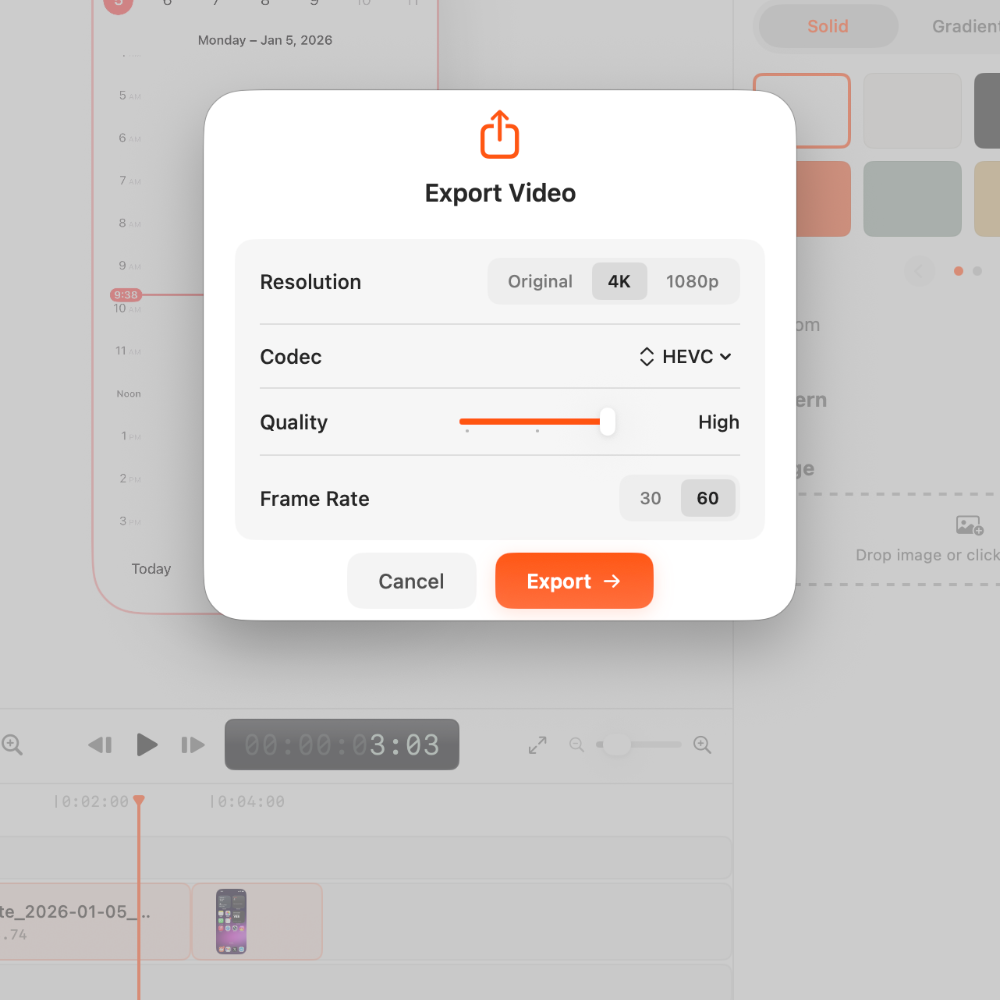
4K & Transparent Export
Export 4K in HEVC, H.264, ProRes, or GIF—with alpha channel support.
Auto captions
Whisper-powered transcription with a built-in transcript editor, generated entirely on your Mac—nothing gets uploaded.
Presets
Start fast with built-in composition and text presets—or save your own and reuse them across every project.



…and the rest of the studio
Every release, in the changelog →Record
- Dual capture NewScreen and live iPhone in one take
- iPhone Mirroring BetaRecord the iPhone Mirroring app with automatic crop and device bezel
- Webcam & microphoneStyled overlays, multiple layouts
- Menu bar captureRecord devices without opening the app
- Landscape & rotationAuto-detected, animatable in the timeline
Edit
- Multitrack timeline NewUp to 4 video, 4 audio, and 5 text tracks
- Auto captions NewOn-device transcription with easy editing
- Audio tracksDetach, trim, mix, and hide independently
- Censor regionsBlur or cover sensitive areas
- Clip speedFrom slow motion up to 800%
- Presets NewSave compositions and text styles
Polish
- Auto ZoomAutomatic zoom and pan on the action
- Custom animation curves NewFine-tune zoom, text, clip, and rotation easing
- Motion blur NewCinematic motion on every animation
- Zoom background blurAdds depth while zoomed in
- Background gallery NewWallpapers, gradients, and patterns
- Taps & swipesGesture indicators, automatic or manual
- Cursor stylingSmoothing, shadows, tints, motion blur, auto-hide
Export
- GIF exportStraight from the export panel
- Export range NewRender just a slice of the timeline
- Custom sizes1080p, 1440p, 4K, or your own
- Lossless presetFor when file size doesn't matter
- PNG stillsFrames to file or clipboard
Start free. Upgrade when ready.
Try everything with watermark. Remove it instantly when you upgrade.
Billed monthly
- All Pro features
- 4K Export
- No watermark
- Use on up to 3 Macs
One-time payment
- All Pro features
- 4K Export
- No watermark
- Use on up to 3 Macs
- Every future update, free
Common questions
Is the free version limited?
The free version includes all features—editing, backgrounds, 4K export, everything. The only limitation is a small watermark on exports. Remove it instantly by upgrading.
What macOS versions are supported?
Matte requires macOS 15 (Sequoia) or later. It's a native Swift app built specifically for Apple Silicon, so it runs fast and uses minimal resources.
Can I record from real devices?
Yes! Connect your iPhone or iPad via USB and Matte can record directly from it. Perfect for capturing Face ID animations, Dynamic Island, and other hardware-specific features.
What about transparent backgrounds?
Matte supports HEVC with alpha channel, so you can export videos with fully transparent backgrounds for compositing in other tools.
Is there a refund policy?
Yes. Lifetime purchases are covered by a 15-day refund policy. Monthly subscriptions are not refundable. If Matte isn't right for you, email within 15 days of your lifetime purchase and we'll help.
How do I get support?
Email us at support@matte.app and we'll get back to you as quickly as possible. We're a small team and we actually read every message.
Can I export stills and screenshots?
Yes! Export individual frames as PNG images, or copy them directly to your clipboard for quick pasting into presentations, docs, or design tools.
Can I use my license on multiple Macs?
Yes! Every license can be activated on up to 3 Macs. Perfect if you work on a desktop and laptop, or have a home and office setup. You can deactivate a device anytime from the app settings.
Do you offer team licenses?
Yes! We offer volume licensing for teams of 5 or more with discounts, centralized billing, and priority support. Check out the Teams option in our pricing section or email support@matte.app for a custom quote.
Do lifetime licenses include future updates?
Yes! Lifetime means lifetime. You get every future update at no extra cost—new features, new device frames, performance improvements, everything. No renewal fees, no upgrade pricing, ever.
Can I record any macOS window, not just the simulator?
Yes! Matte can record any macOS window—not just the iOS simulator. Use it for Mac app demos, website recordings, or any desktop software. The same backgrounds, device frames, and editing features work for all window recordings.
Can I add text overlays to my videos?
Yes! Matte includes a full text layer system with up to 5 text tracks, custom animations, resizable text boxes, and in-canvas alignment guides. Perfect for adding titles, feature callouts, or step-by-step instructions to your demos.
Can I use Matte for client work?
Absolutely. Your license covers commercial use—freelance projects, agency work, client deliverables, whatever you need. The videos you create are yours to use however you want.
How long does it take to learn Matte?
Most users create their first polished video in under 15 minutes. If you've ever edited video before, you'll feel at home immediately. If you haven't, Matte is designed to be approachable—no After Effects learning curve required.
Create your first demo in minutes
Download free and see how fast you can go from recording to polished video.
Free with watermark·Upgrade anytime